Allow Users to log in to Cloud Voice App UC Clients with AD Domain Accounts
This topic describes how to allow the synced AD users to log in to Cloud Voice App UC Clients by their AD domain accounts.
Prerequisites
Procedure
- Log in to PBX web portal, go to .
- In the Single Sign-on (SSO) section, turn on the
switch.

- Optional: In the Login Method drop-down list,
specify how AD users can log in to Cloud Voice App UC Clients.
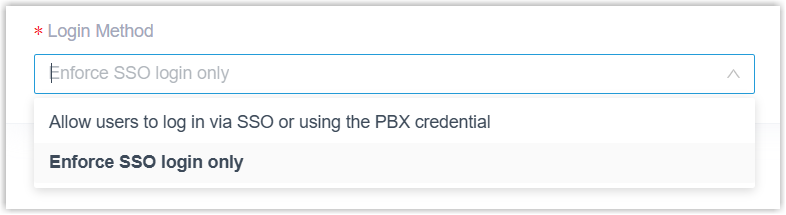
- Allow users to log in via SSO or using the PBX credential: AD users can log in to Cloud Voice App UC Clients via SSO or using the associated extension's account credentials.
- Enforce SSO login only: AD users can log in to Cloud Voice App UC Clients only via SSO.
- Click Save.
Result
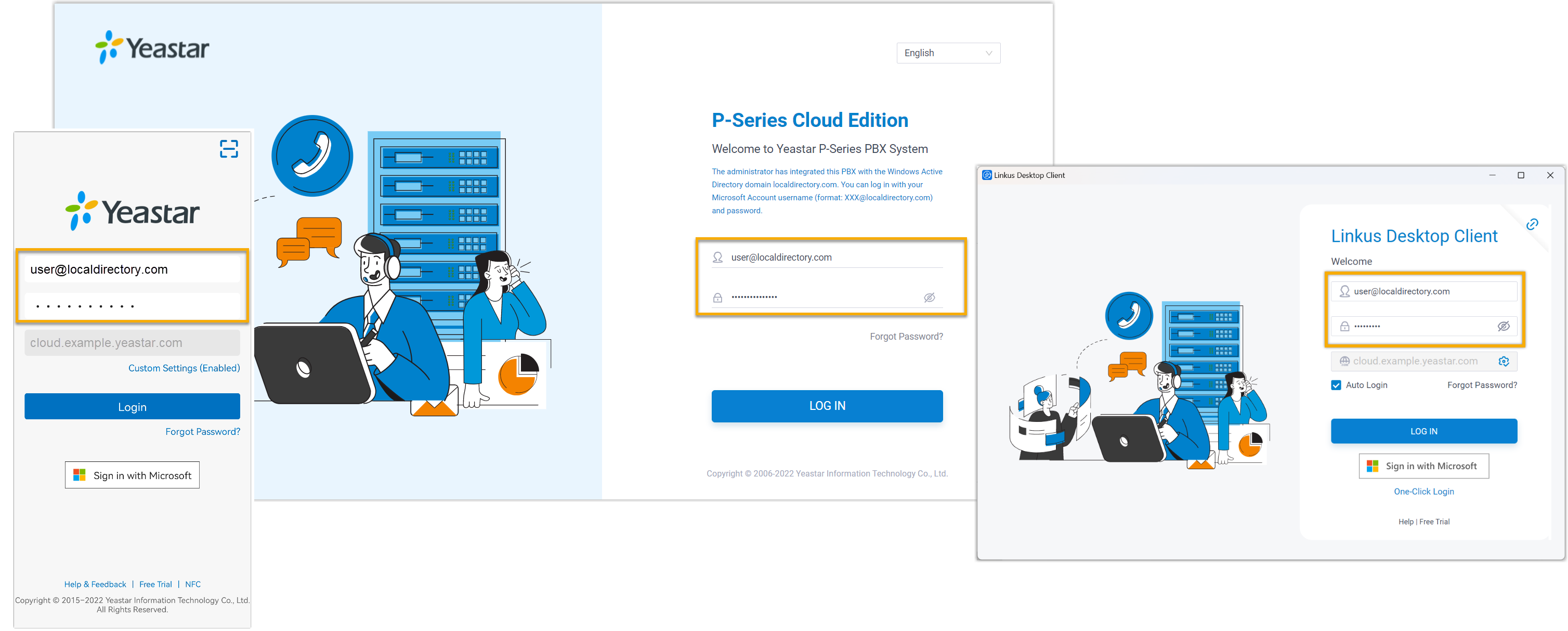
The synced AD users can directly enter the credentials of their AD domain accounts (Format: username@domainname) to log in to Cloud Voice App UC Clients.
Note: To implement the feature on Cloud Voice App Mobile / Desktop Client,
the App version should be updated:
- Cloud Voice App Android Client: 5.21.7 or later
- Cloud Voice App iOS Client: 5.21.3 or later
- Cloud Voice App Windows Desktop: 1.18.5 or later
- Cloud Voice App Mac Desktop: 1.18.5 or later