Disallow Passwordless Login to Cloud Voice
This topic describes how to disallow passwordless login to Cloud Voice.
Procedure
- Log in to PBX web portal, go to .Tip: The super administrator can directly click
 on the top-right corner of PBX
administrator portal to quickly access the Passwordless
Login configuration page.
on the top-right corner of PBX
administrator portal to quickly access the Passwordless
Login configuration page.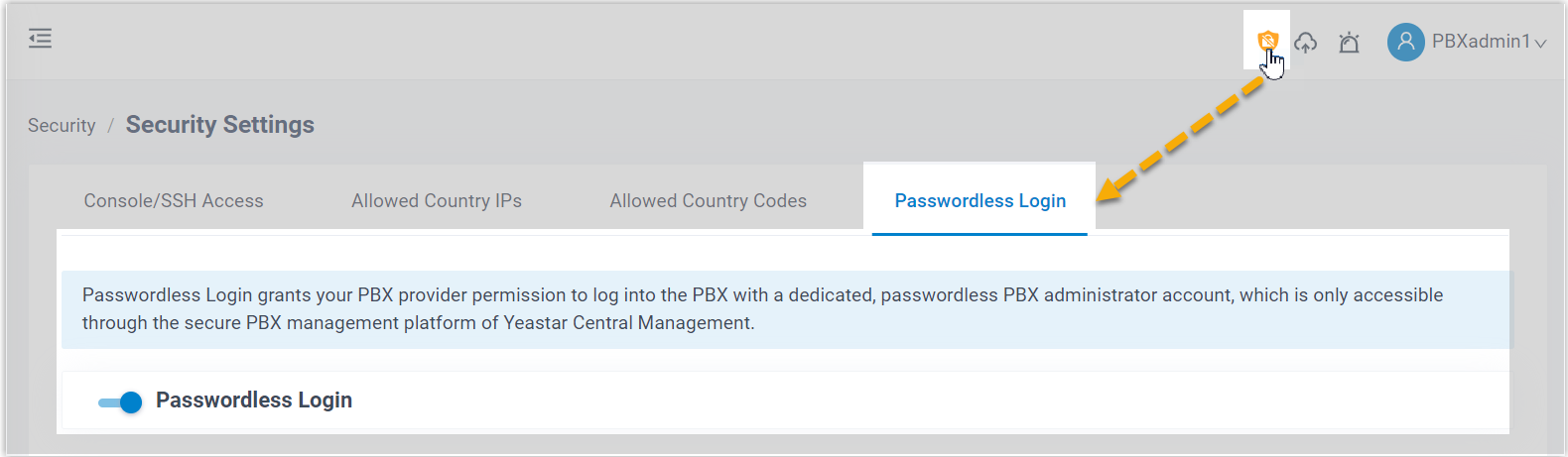
- Turn off the Passwordless Login switch.
Result
on the
top-right corner of the PBX administrator portal disappears; The service provider
can NOT log in to the PBX system via passwordless login method.