Activate Cloud Voice
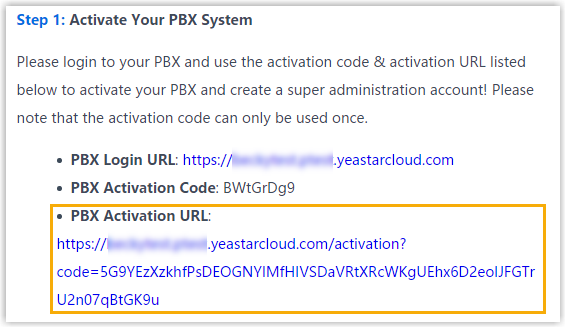
Before starting to use the Cloud Voice, you need to activate the PBX first. The activation credentials and PBX login URL are provided in the welcome email of Cloud Voice.
Prerequisites
You have received the welcome email of Cloud Voice.
Procedure
- In the welcome email, click the PBX Activation URL to
enter the PBX activation page.
- In the Activation Code field, enter the PBX
activation code provided in the welcome mail.Note: The PBX activation code can only be used once.
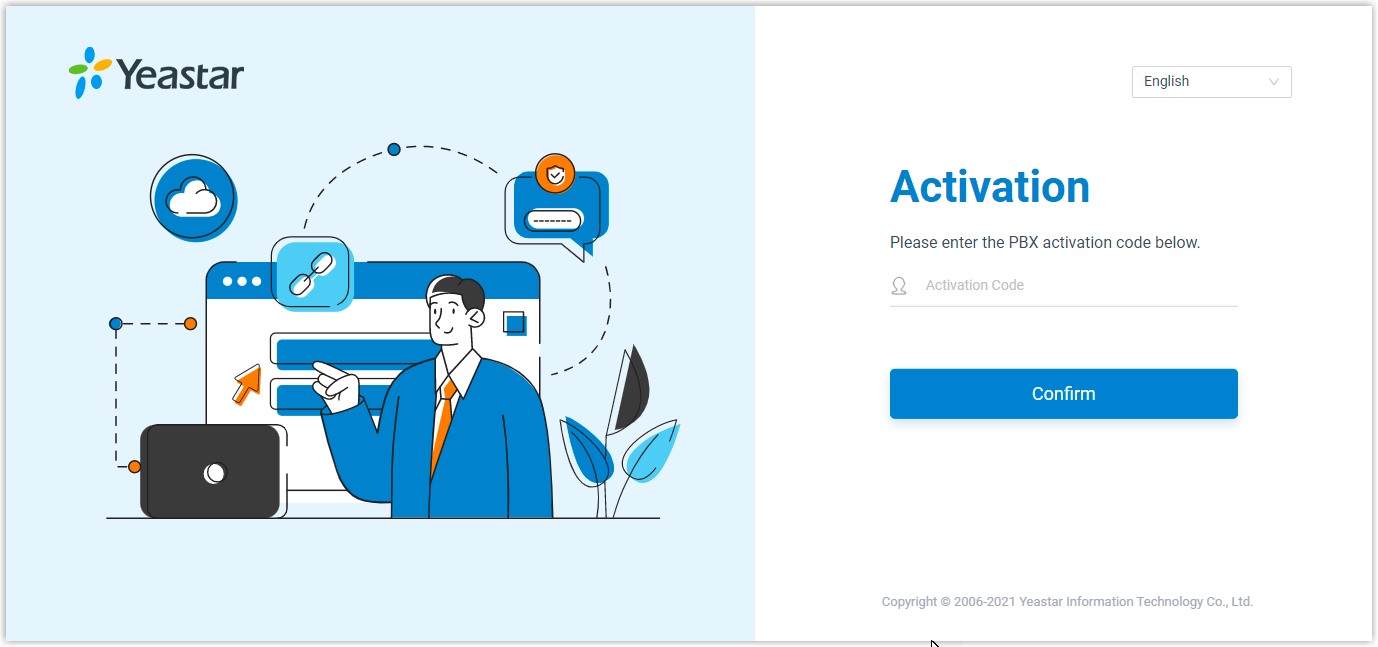
- Click Confirm.
Result
You are redirected to the Installation Wizard. For more information, see Initial Setup Using the Installation Wizard.
Important: Only when you finish the system initial
configurations can the Cloud Voice be activated
successfully.