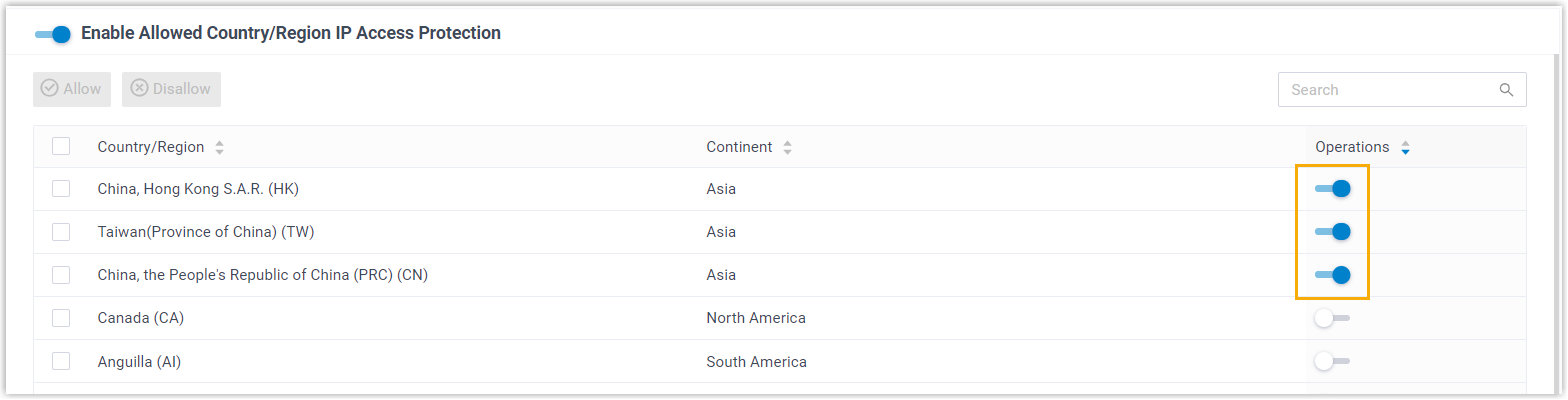
Check Allowed Country/Region IP
By default, all the countries and regions are displayed in ascending (A to Z) alphabetical order, whether they are allowed to access Cloud Voice or not. To check the allowed country/region IP, you need to sort all the countries and regions again.
Procedure
- Log in to PBX web portal, go to .
- Click
 beside Operations.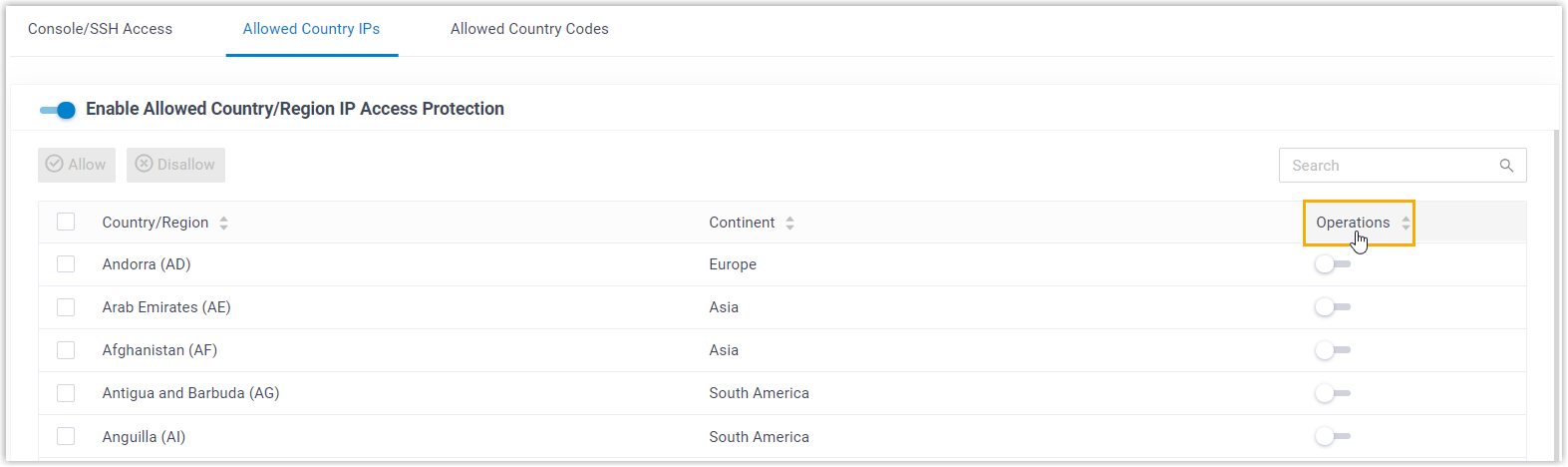
Result
All the countries and regions that are allowed to access the PBX are moved to the top.