Allow Users to Log in to Cloud Voice App UC Clients with Google SSO
After synchronizing users from Google Workspace to Cloud Voice, you can enable the Single Sign-on (SSO) feature, allowing the synced users to log in to Cloud Voice App UC Clients using their Google credentials.
Prerequisites
Procedure
- Log in to PBX web portal, go to .
- Scroll down to the Single Sign-on (SSO) section, then
turn on the switch.

Client SSO Redirect URI field displays the URL via which users can log in to Cloud Voice App UC Clients using their Google credentials.
 Note: Make sure the Client SSO Redirect URI is added to the Google application.
 - Optional: In the Login Method drop-down list,
specify how Google users can log in to Cloud Voice App UC Clients.
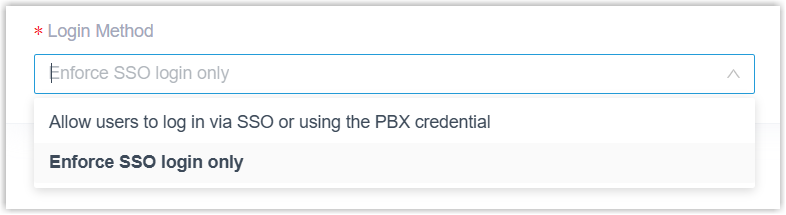
- Allow users to log in via SSO or using the PBX credential: Google users can log in to Cloud Voice App UC Clients via SSO or using the associated extension's account credentials.
- Enforce SSO login only: Google users can log in to Cloud Voice App UC Clients only via SSO.
- Click Save.
Result
The synced users can directly log in to Cloud Voice App UC Clients using their Google credentials.
What to do next
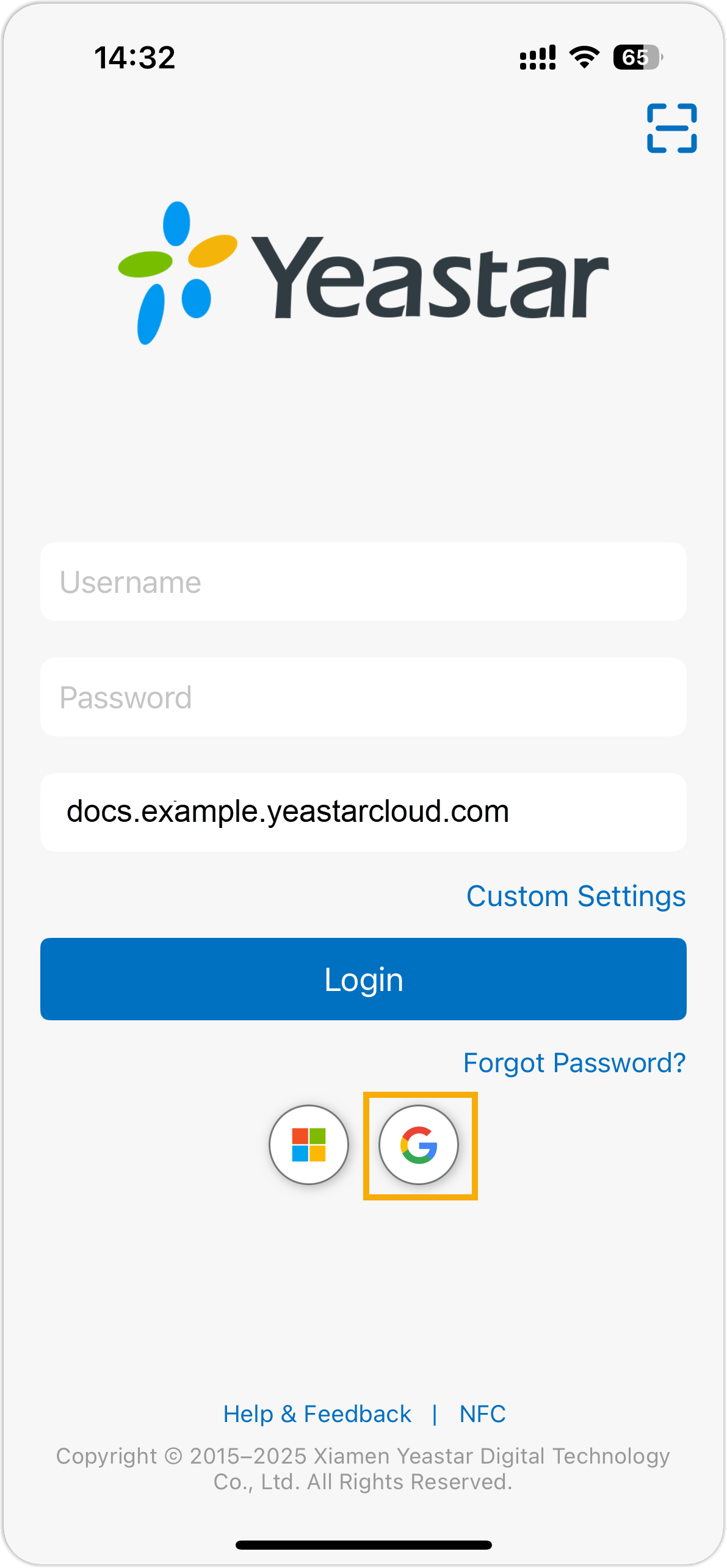
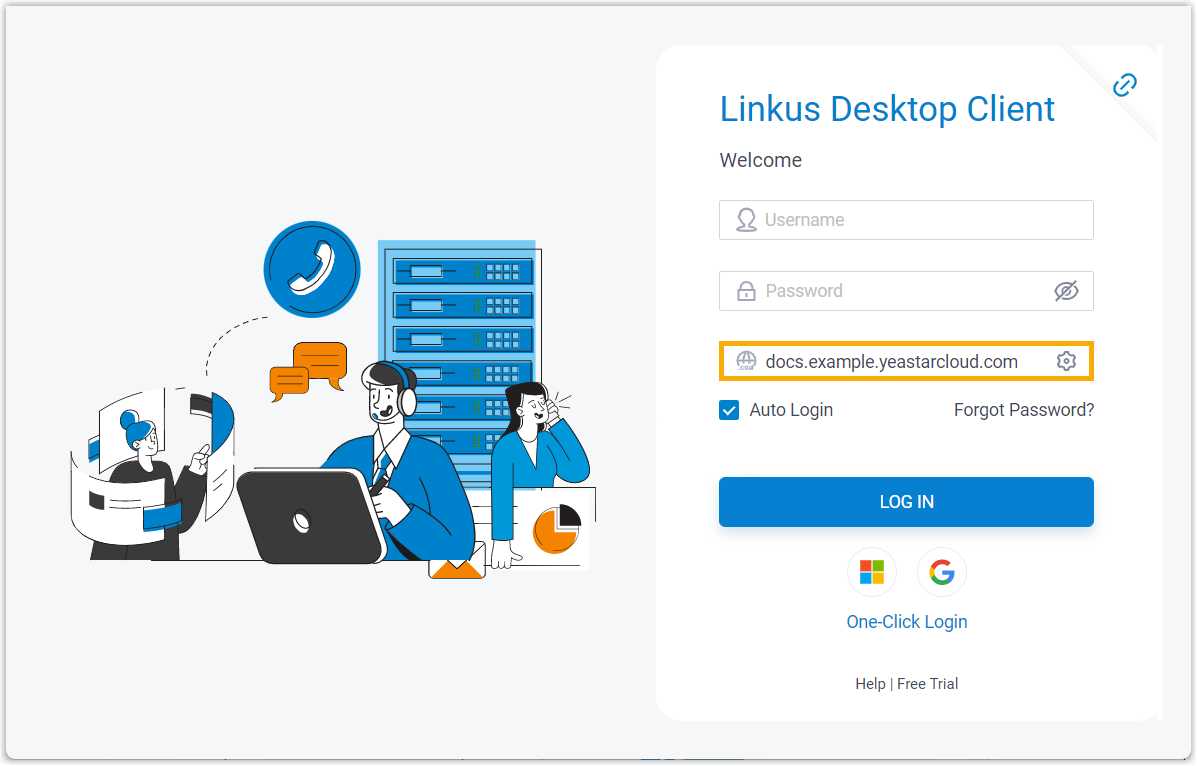
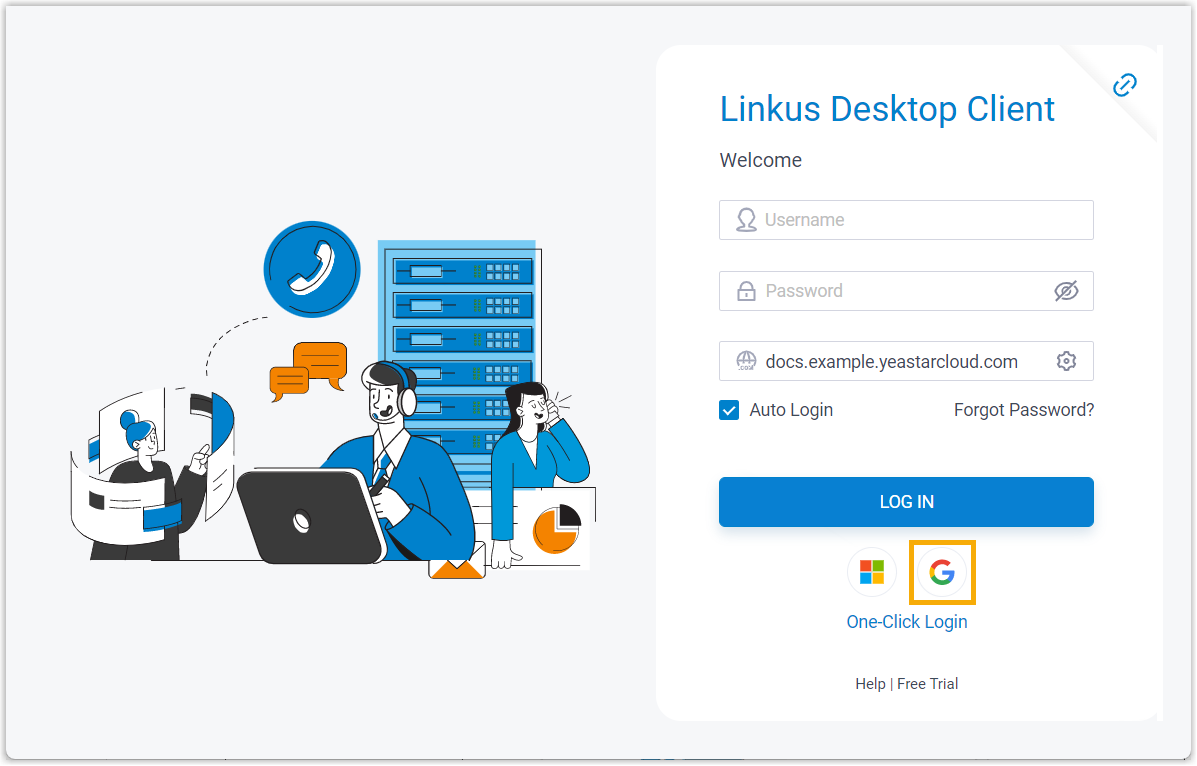
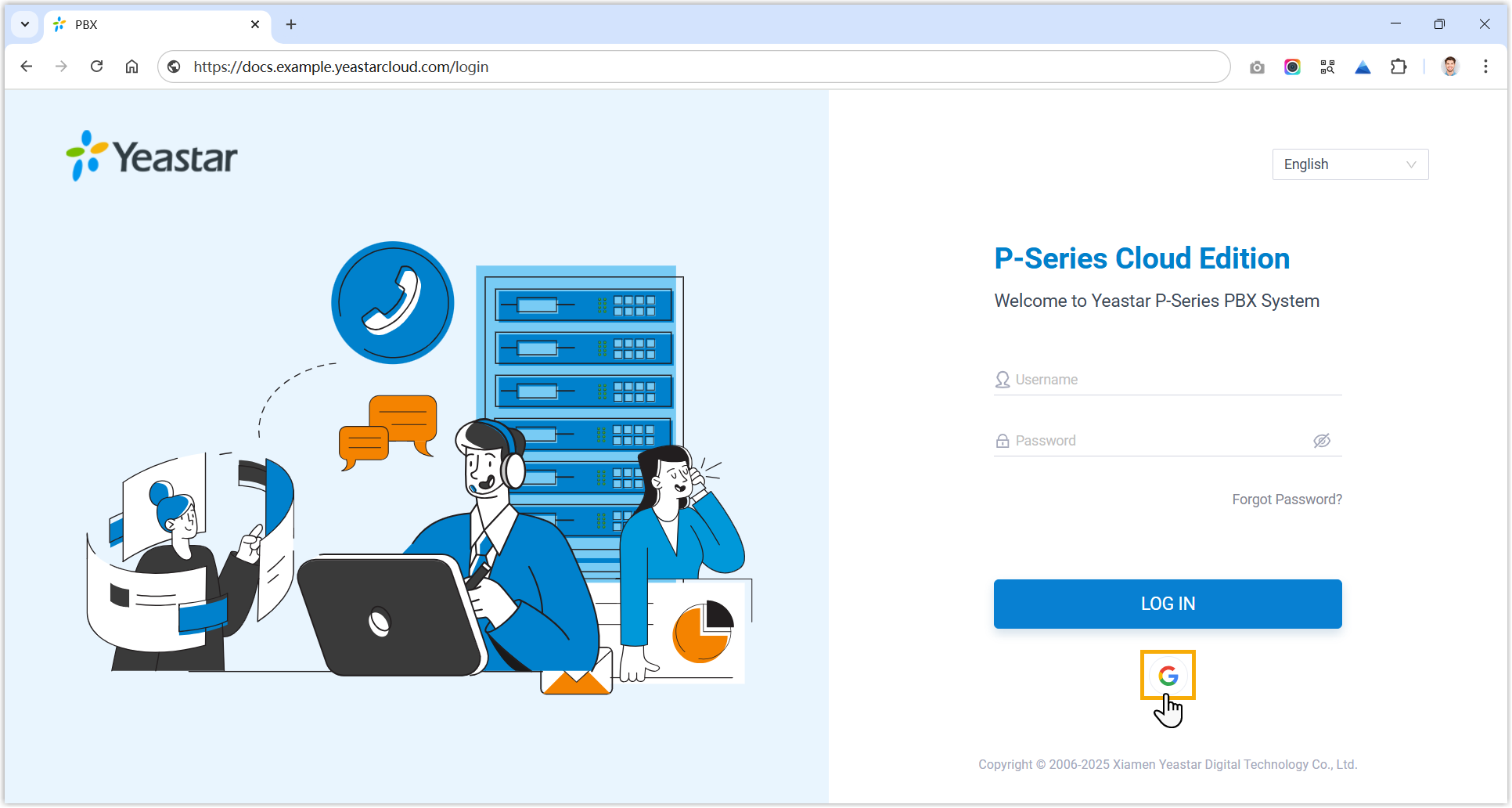
Instruct users on how to log in to Cloud Voice App UC Clients using their Google credentials.
| Client | Instruction |
|---|---|
| Cloud Voice App Mobile Client |
|
| Cloud Voice App Desktop Client |
|
| Cloud Voice App Web Client |
|
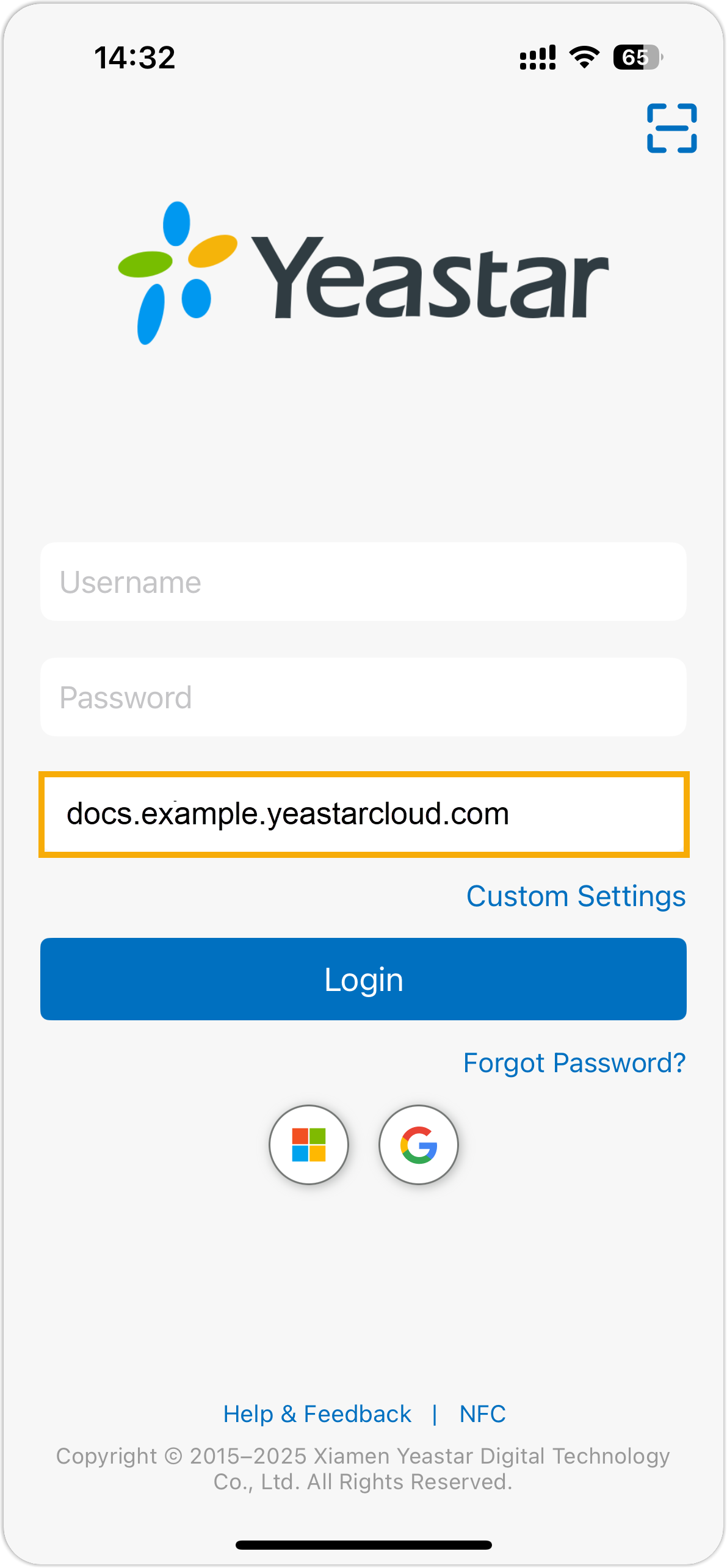
 , and sign in
with Google credentials.
, and sign in
with Google credentials.