Continue an Active Call on 'Cloud Voice App for Dynamics 365'
Call Switch feature allows you to retrieve an active call from the original device (with your extension registered), and continue it on 'Cloud Voice App for Dynamics 365', without any interruption to the conversation.
Requirements
- The plugin is running in Dynamics 365 mode.
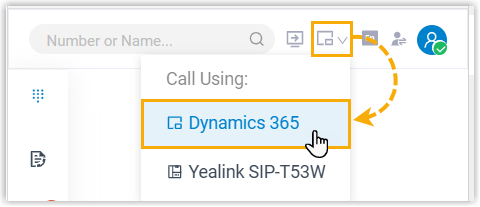
- Your extension has been registered on more than one device.
Prerequisites
You have an active call on another device.
Procedure
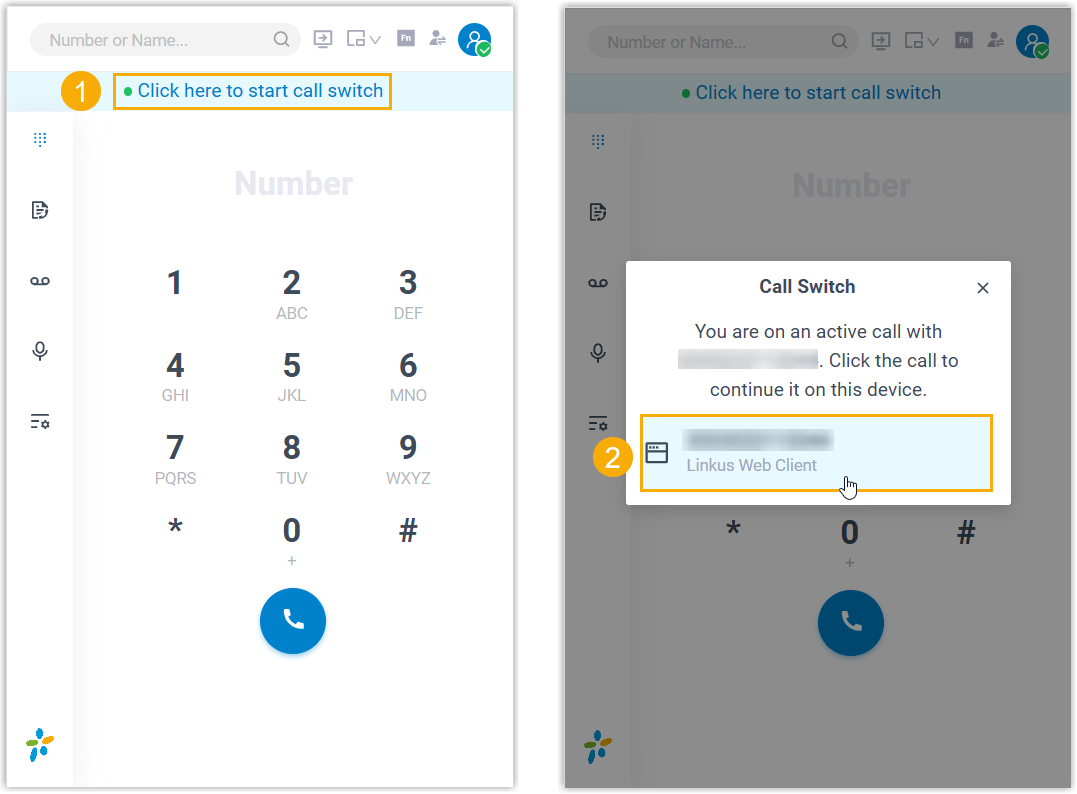
- On the top of 'Cloud Voice App for Dynamics 365', click Click here to
start call switch.
The active call on another device is displayed.
- Click the call.
Result
The call is retrieved from the original device to the 'Cloud Voice App for Dynamics 365' plugin.