2N IP Intercom Integration Guide
This guide provides a configuration example to show you how to integrate 2N IP intercom devices with Cloud Voice to implement functions such as video intercom, access control, and intercom call forwarding.
Highlights
By integrating the 2N IP intercom device with Cloud Voice, the following features can be implemented:
- Conduct real-time video communication with the visitorIn addition to audio communication, the door station can conduct video communication with various endpoints.
- Indoor station
- Cloud Voice App UC Client
- Video IP phone
- Simultaneous ringing and flexible access control with different
endpoints
You can configure the Ring Strategy feature for the PBX extension to make the door station calls be sent to Cloud Voice App clients or other extension endpoints simultaneously. In this way, you can answer and open the door via Cloud Voice App clients or other extension endpoints at hand, no matter you are in the office or on the road.
- Auto-forward visitor calls to other destination without missing any
calls
If you don't want to miss any calls when absent, you can configure the Call Forwarding feature for the PBX extension, by which the calls will be forwarded to a designated destination (such as an external number). In this way, remote access control can be easily implemented.
Scenario
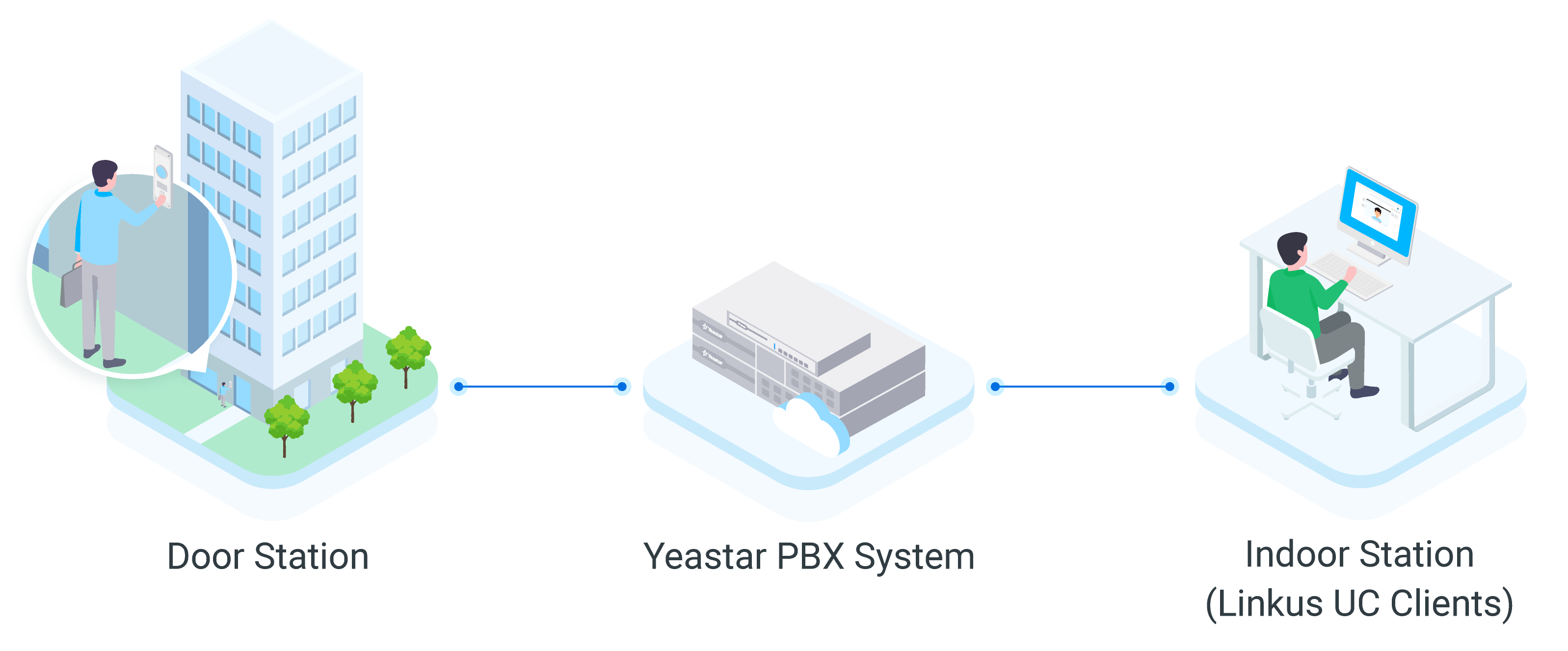
Supported intercom devices
This solution is compatible with multiple models of 2N IP intercoms. The supported device models are as follows:
|
|
|
|
|
|
Test environment
The information of the test environment is listed below:
| Device | Firmware Version | IP Address / Domain Name |
|---|---|---|
| Cloud Voice | 84.21.0.16 | docs.example.cloud-voicecloud.com |
| 2N IP Solo | 2.46.0.70.3 | 192.168.28.48 |
Integration process
- 1. Preparation
- Prepare the integration by creating necessary extensions on Cloud Voice PBX,
and setting up the network connectivity for the intercom device to allow
access to its web interface for subsequent configuration.
For more information, see 2N IP Intercom Integration Preparation.
- 2. Register 2N IP intercom with Cloud Voice PBX's extension
-
Register the intercom device with a PBX extension, which allows the intercom to initiate calls through the PBX when its button is pressed.
For more information, see Register 2N IP Intercom with Cloud Voice Extension.
- 3. Configure call and door release settings for PBX extensions on 2N IP intercom
- Configure the intercom's dialing, switch code, and audio prompts, which
allows it to automatically initiate calls to specified extension(s) when
the button is pressed, automatically unlock the door upon receiving a
designated DTMF code, and play the customized prompt when the door is
open.
For more information, see Configure Call and Door Release for PBX Extensions on the Intercom.