Grant Room Management Permission
Grant room management permission to front desk(s), allowing them to handle guest check-ins and check-outs, room assignments, wake-up calls and more, directly from Cloud Voice App Desktop/Web Client.
Procedure
- Log in to PBX web portal, go to Hotel Management.
- Under Hotel Settings tab, add a permission
rule.
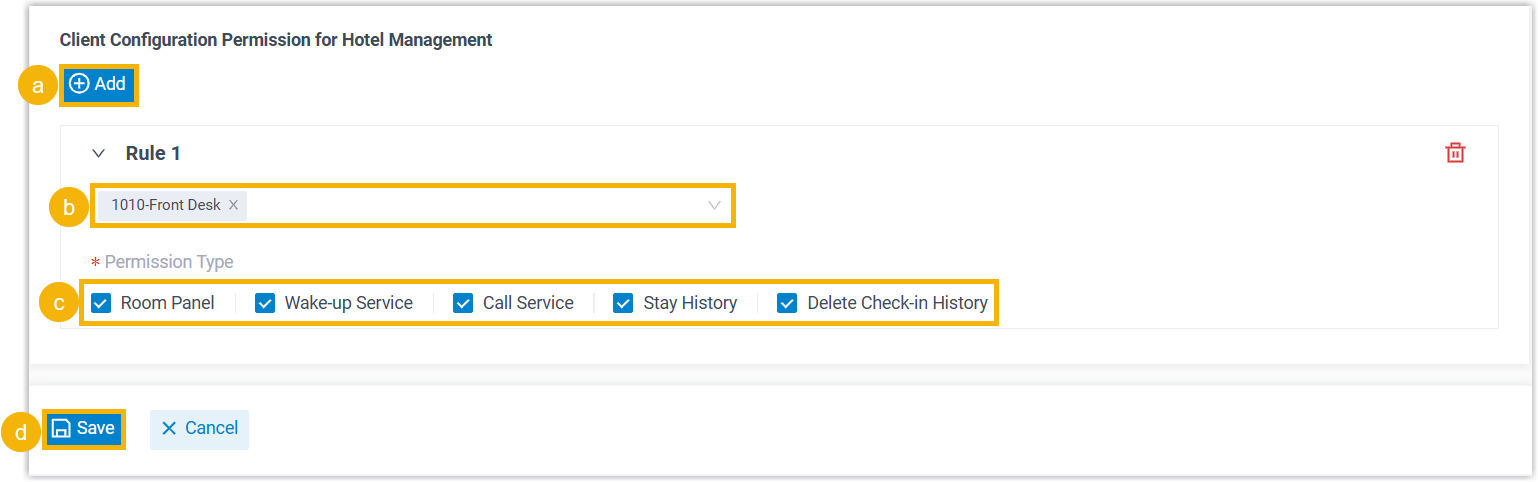
- In the Client Configuration Permission for Hotel Management section, click Add.
- In the Extension drop-down list, select the extension(s) to which you want to grant permission.
- In the Permission Type section, select
permissions.
Refer to the following table to see how the authorized extension(s) can access and perform operations on Cloud Voice App Desktop/Web Client based on the corresponding privilege.
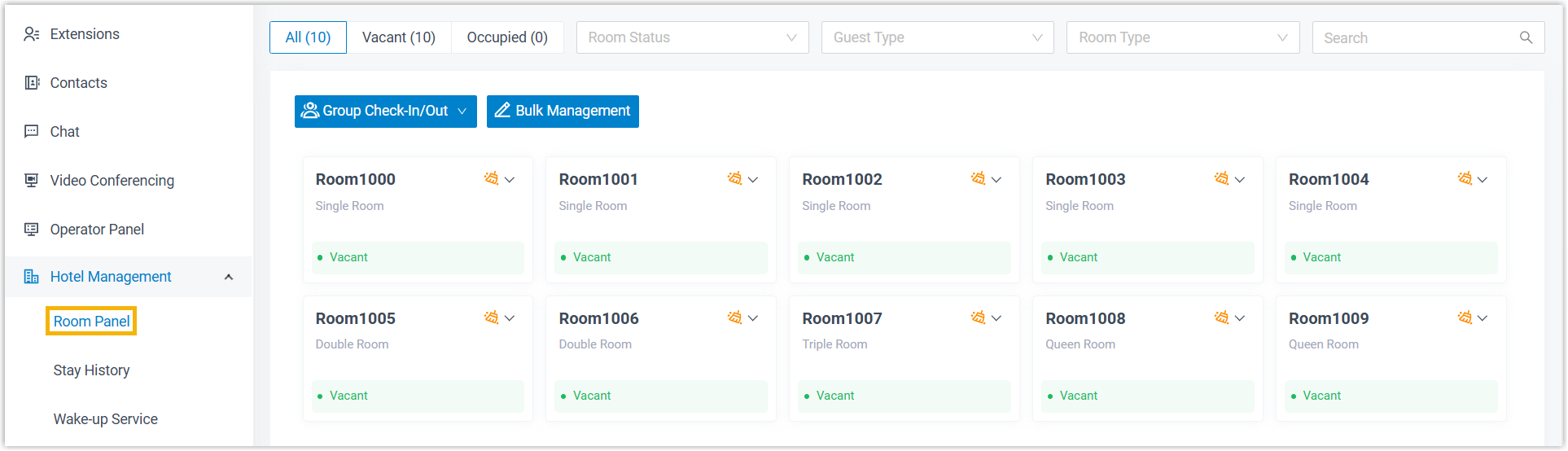
Permission Description Room Panel The authorized staff member can access Room Panel on Cloud Voice App Desktop/Web Client (Path: ) to perform operations such as check-in, move rooms, set Do Not Disturb (DND), change room status, add wake-up calls, check out, etc.
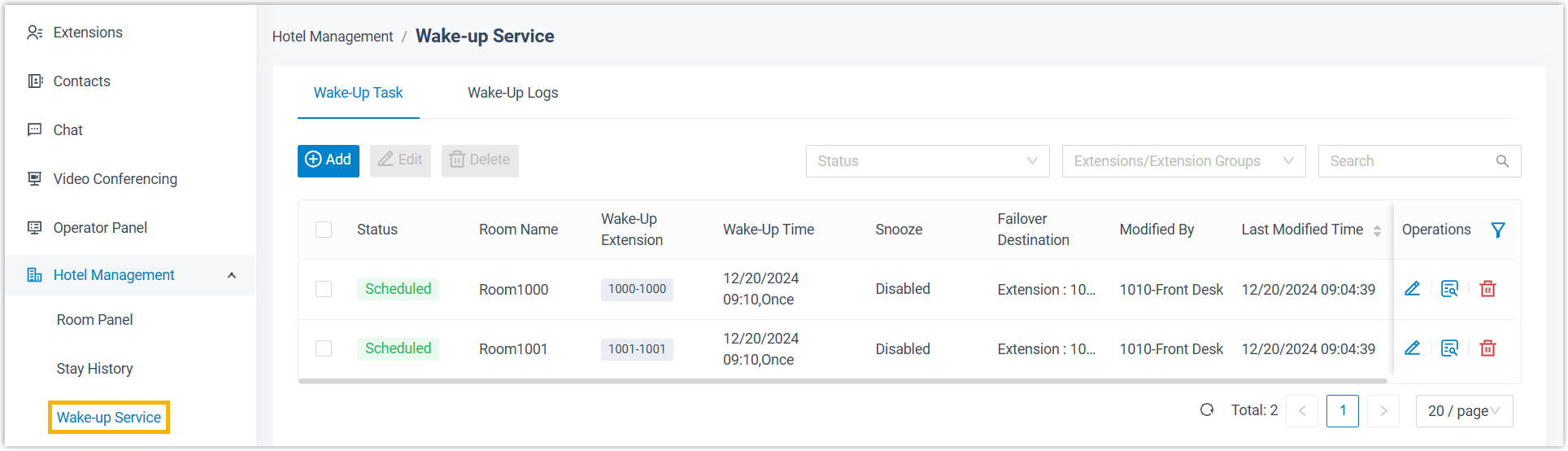
Wake-up Service The authorized staff member can access Wake-up Service (Path: ) on Cloud Voice App Desktop/Web Client to perform operations such as schedule wake-up tasks and review the wake-up log.
Call Service The authorized staff member can manage guest calls from Operator Panel on Cloud Voice App Desktop/Web Client.Tip: Refer to Call Management Permission to learn more.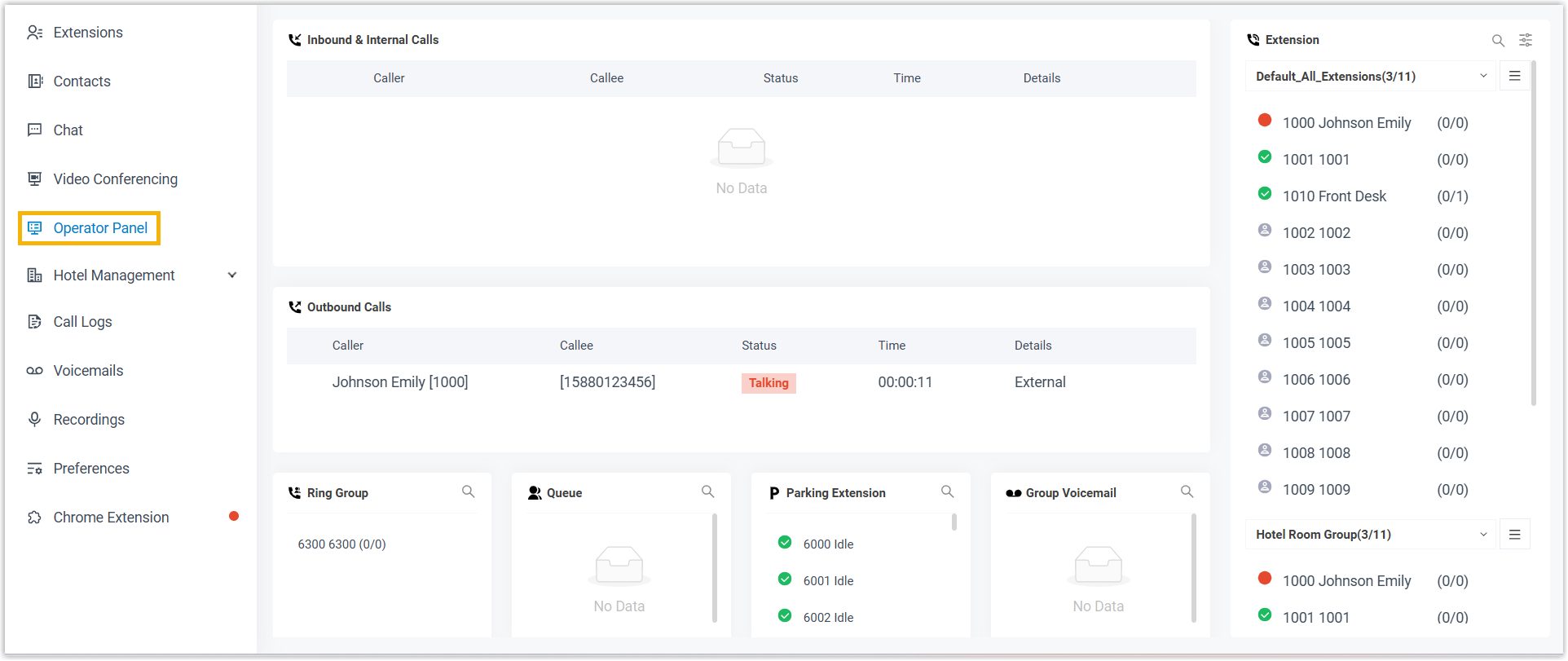
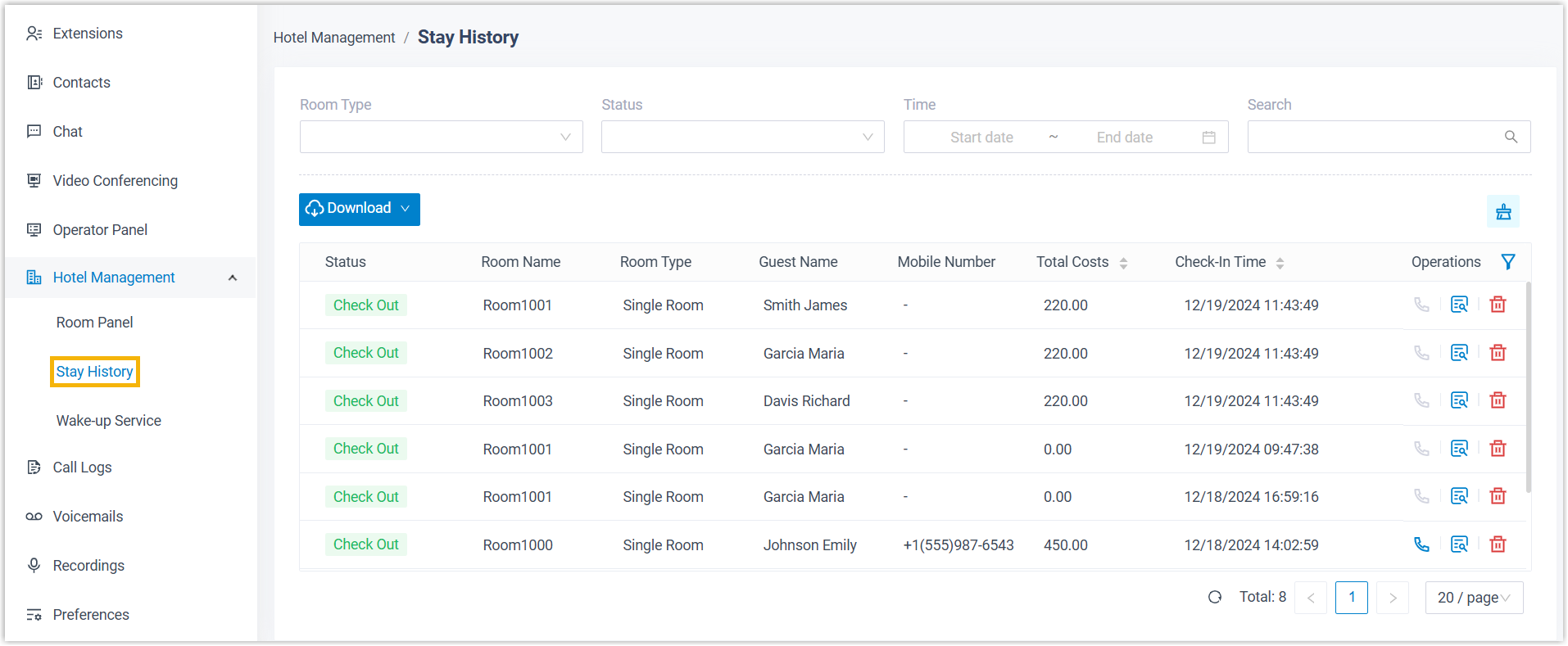
Stay History The authorized staff member can access Stay History on Cloud Voice App Desktop/Web Client (Path: ) to review guest stay history.
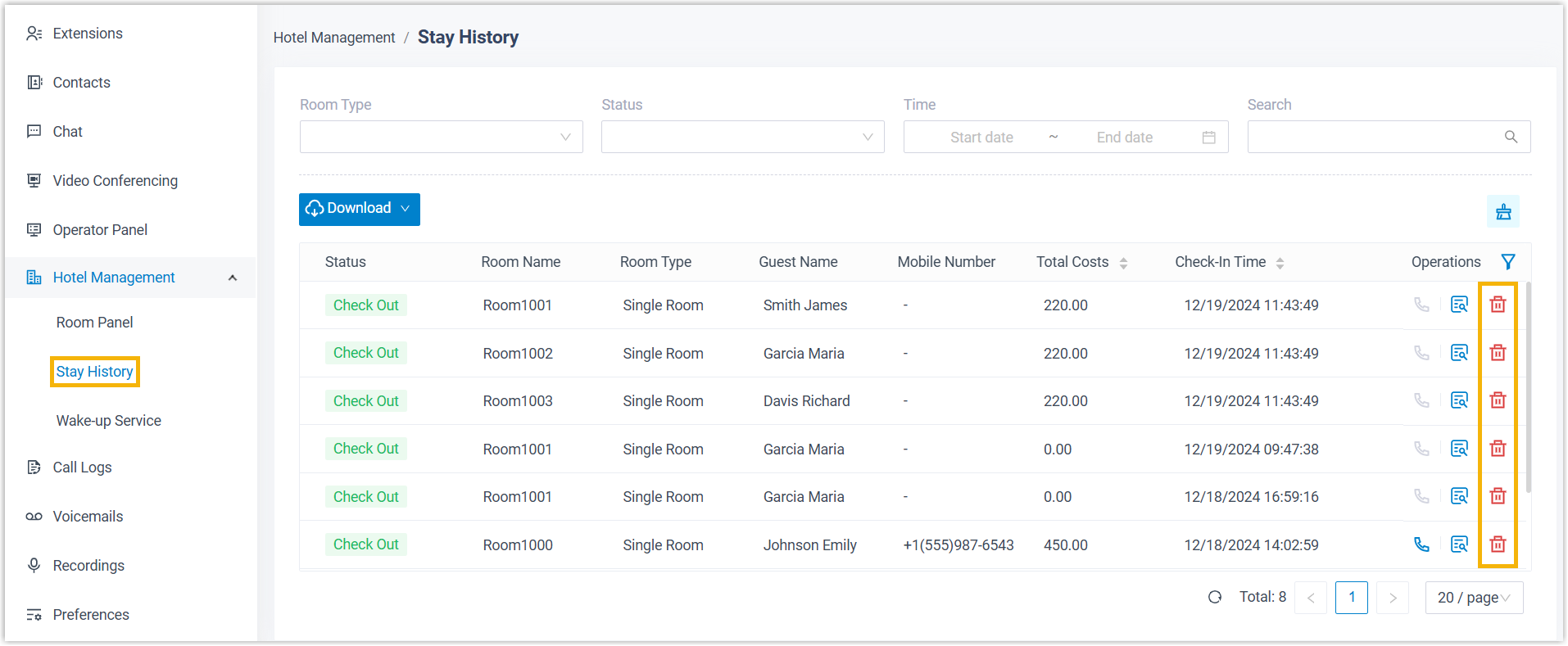
Delete Check-in History The authorized staff member can access Stay History on Cloud Voice App Desktop/Web Client (Path: ) to delete guest stay history.
- Click Save.
Result
- The selected extension(s) can access and perform operations on Cloud Voice App Desktop/Web Client based on their assigned privileges.
- If you grant any of the Room Panel,
Wake-up Service, or Call
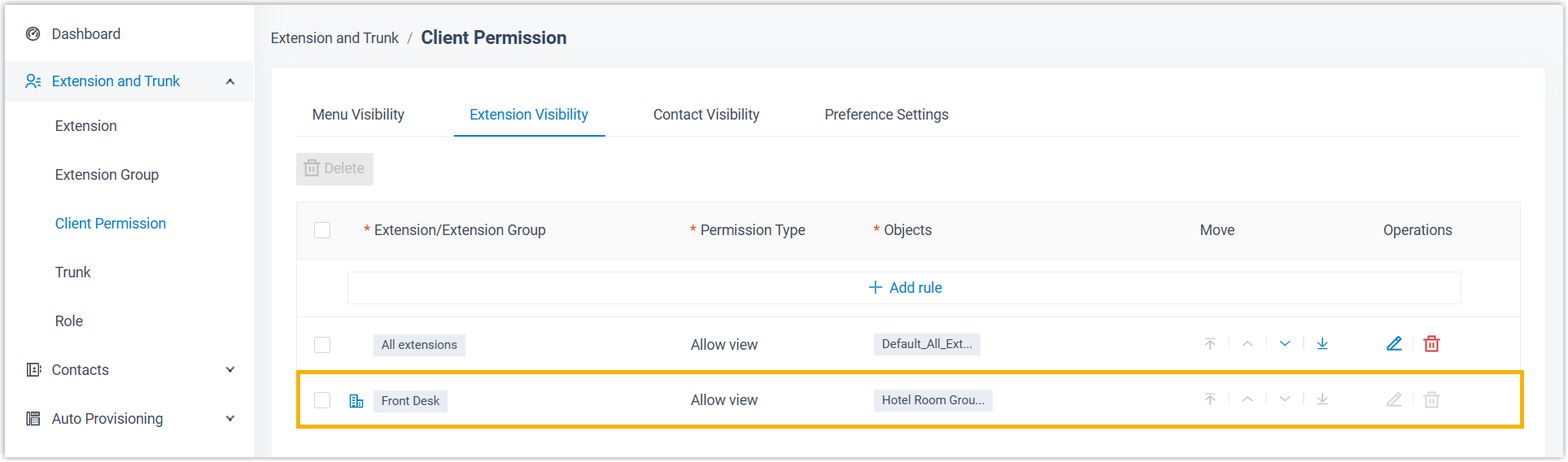
Service permissions to extension(s), an extension visibility
rule will be created on the PBX to allow the selected extension(s) to make
calls to the guest rooms.